
Your website is often the first conversation someone has with your brand. Before they know your values, your process, or your product quality, they experience your words. They read. They scroll. They decide, quietly and quickly, whether this space feels meant for them.
Now imagine landing on a website that looks stunning but feels distant because the language feels unfamiliar. That tiny gap between understanding and comfort is where most global opportunities quietly slip away.
According to CSA Research, 76% of online consumers prefer buying from websites written in their native language, and 40% avoid purchasing entirely when content feels linguistically unfamiliar (Can’t Read, Won’t Buy, 2014). These numbers reflect something deeply human: people trust what feels familiar. They engage when communication feels effortless.
The ability to operate in multiple languages has become a natural progression for founders, creators, coaches, SaaS teams, and ecommerce brands who build their presence on Squarespace. The system enables business expansion through its existing framework which prevents companies from needing to build their core operations from scratch. The platform enables brands to expand their operations to international markets while preserving their original identity.
The beauty of Squarespace lies in its simplicity. The following tools build upon simple designs to create global accessibility through their intuitive operational systems. These tools enable your website to display different languages while they maintain the original layout and protect both search engine optimization elements and brand communication style.
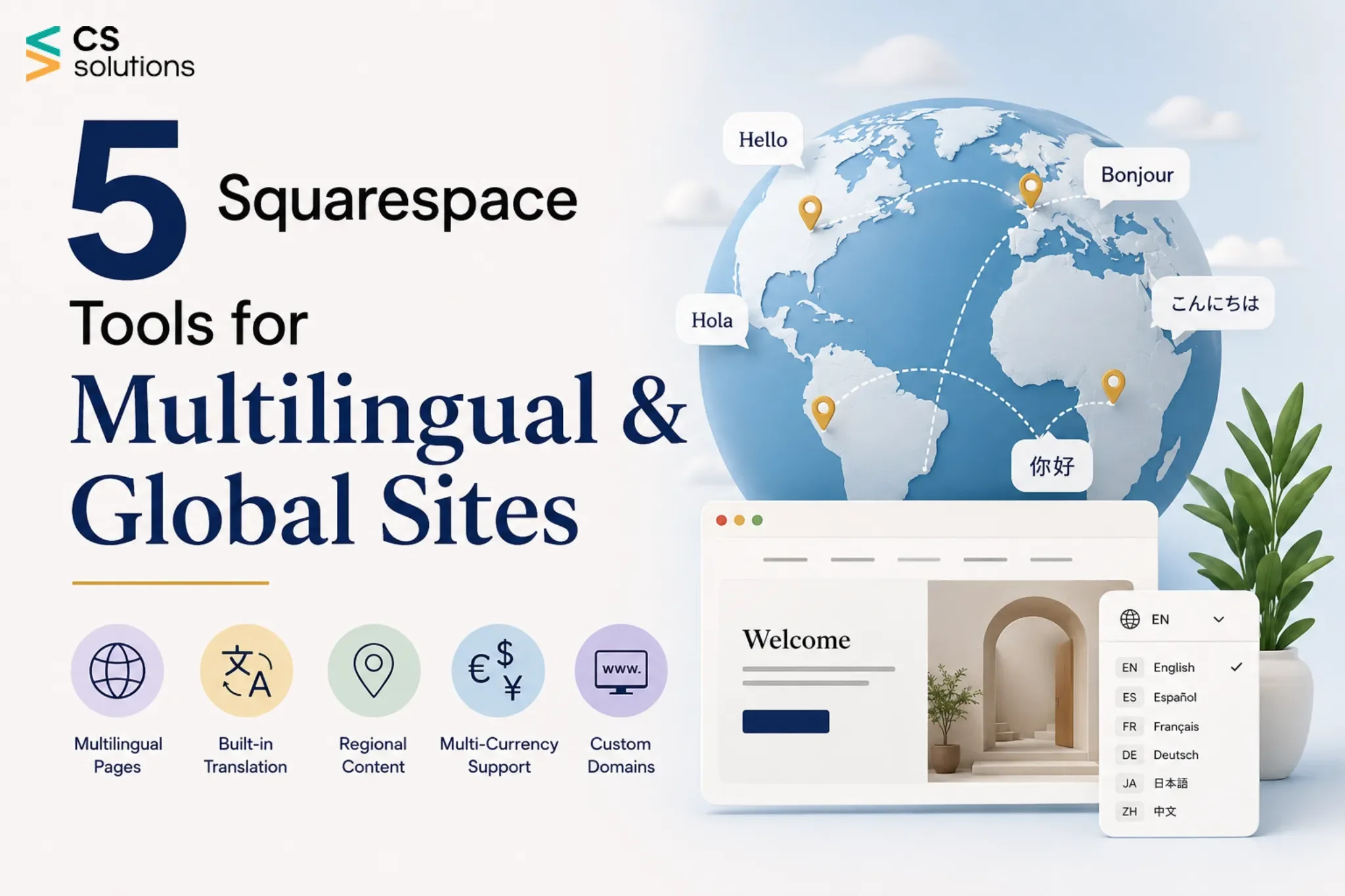
Below, you’ll explore five thoughtfully selected Squarespace tools that help your website feel welcoming, clear, and human, no matter where your visitors come from.
The Smart Way to Go Multilingual on Squarespace
Multilingual websites work best when language, layout, and user experience move together. Translation alone creates understanding. Design flow creates comfort. SEO structure creates discoverability. The tools below support all three, allowing your website to grow internationally while your workflow stays calm, organized, and scalable.
1. Weglot
A Quietly Powerful Way to Speak to the World
The idea of taking a website multilingual often starts with excitement. Then come the practical thoughts, how pages will scale, how SEO will behave, how much time content management will require. Weglot enters at this moment with a sense of reassurance.
The integration between Weglot and Squarespace operates without any issues because the software starts translating your content right away. The system produces only small amounts of disruption, which makes it stand out from other systems.
Behind the scenes, Weglot gives you full control. Translations remain editable. Brand language stays aligned. As your site grows, language versions expand alongside it, creating a sense of steady, confident progress rather than sudden complexity.
For teams and solo creators alike, Weglot feels supportive. It allows your website to evolve naturally into a global presence while remaining unmistakably yours.
Benefits
- Automatic and manual translation flexibility
- SEO-optimized language subdirectories
- Clean and customizable language switcher
- Fast setup with a smooth learning curve
- Support for dynamic and third-party content
- Built to scale with global growth
How to Use Weglot
Create a Weglot account, choose your original language and target languages, and connect it to Squarespace using the provided script. Translations appear instantly and remain editable inside the Weglot dashboard.
2. Transcy
Helping Your Products Speak With Confidence
The process of international selling requires businesses to do more than just create product descriptions in different languages. The buying process needs developers to build clear systems which provide buyers with confidence and simple navigation at all stages of their journey. Transcy understands this deeply and builds its experience around ecommerce behavior.
The Squarespace stores of Transcy operate through direct connections which focus on language-based trust factors that appear in product information, pricing details, shopping cart systems, and payment processing screens. The translation process becomes faster through AI-powered systems which let users keep their brand voice and terminology through editing features.
For international shoppers, these details create comfort. For store owners, they create consistency.The shopping experience delivers an intuitive and welcoming interface, which operates across different international markets.
The expansion of your store into new markets becomes easier through Transcy because the system provides organized support. This lets you concentrate on your products and clients.
Benefits
- Ecommerce-focused translation workflows
- Product and collection localization
- AI-powered translation with editing control
- Support for multiple currencies
- Simple language switcher integration
- Optimized for international conversions
How to Use Transcy
Install Transcy, select your store languages, and generate translations automatically. Review product content, refine messaging, and publish multilingual versions directly to your Squarespace store.
3. Localize
When Language Becomes Brand Identity
Some brands treat translation as a task. Others treat it as a responsibility. Localize serves teams that care deeply about how their message feels in every language.
Localize is especially effective for websites that communicate layered ideas, software platforms, professional services, educational content, or thought leadership. It creates space for careful review, collaboration, and consistency, allowing every word to carry intention.
As new markets open, Localize keeps content organized and traceable. Terminology remains aligned. Brand voice remains familiar. Each language version grows alongside the brand rather than feeling added later.
For growing companies, this sense of structure builds confidence internally and clarity externally.
Benefits
- Centralized translation management
- Collaboration with translators and editors
- Consistent terminology across languages
- SEO-friendly localized pages
- Scalable language expansion
- Clean integration with Squarespace
How to Use Localize
Connect your Squarespace site to Localize, import content strings, and assign translations. Approved translations sync automatically with your live website.
4. Bablic
Translation That Feels Visual and Intuitive
Bablic brings translation closer to creativity. Instead of working through abstract dashboards, you edit text directly on your live site. You see every change exactly where visitors will experience it.
This visual approach resonates strongly with creators, consultants, and small teams who enjoy staying close to their content. Each language version becomes something you shape intentionally, line by line, section by section.
Watching your site transform in real time creates reassurance. Layouts stay balanced. Tone stays natural. The website feels expressive in every language it speaks.
Bablic makes multilingual websites feel approachable and human, even for those with minimal technical experience.
Benefits
- Visual, on-site translation editing
- Support for machine and human translation
- Easy language switcher setup
- SEO-friendly multilingual structure
- Minimal technical configuration
- Ideal for small and mid-sized websites
How to Use Bablic
Install Bablic, choose your target languages, and enable visual editing. Translate content directly on your live pages and publish updates instantly.
5. GTranslate
Opening the Door to Global Understanding
Sometimes the first step toward global reach is accessibility. GTranslate supports this step by making content readable in over 100 languages with minimal setup.
GTranslate operates through Google translation engine to provide website visitors with instant access to their preferred website language. The platform creates a friendly environment, which enables international visitors to browse through blogs, portfolios, and informational content.
As your audience grows, GTranslate provides a practical foundation for understanding where global interest comes from and how deeper localization might evolve.
Benefits
- Support for more than 100 languages
- Quick installation on Squarespace
- SEO-friendly options available
- Customizable language selector
- Accessible entry-level pricing
- Well suited for content-rich websites
How to Use GTranslate
Add the GTranslate widget to your Squarespace site, select languages, and adjust display settings. Advanced plans enable search indexing and enhanced customization.
Bonus Tip: Design for Cultural Flow, Not Just Language
Global websites feel natural when they respect how people read, scan, and emotionally connect across cultures. Language creates understanding. Cultural flow creates comfort.
Different audiences engage with content differently. Some value structured clarity. Others connect through storytelling. Layout, imagery, spacing, and content order all influence how a message lands.
One powerful approach is content hierarchy localization. Sections remain consistent, while their order adapts to regional preferences. Trust indicators may appear earlier for some audiences. Community stories may resonate more strongly for others.
The language-based analytics segmentation system delivers useful information through its operation. The way users interact with different language versions helps us identify their scrolling behavior, their time spent on the site, and their actions. These lead to conversions.
A website which shows agreement between its language content and design structure and user behavior data will appear native to different users instead of looking like a translated site.
Conclusion
People worldwide spend their time online at every moment as they search for information and maintain their digital relationships. A multilingual Squarespace website enables your brand to establish clear and friendly connections with customers no matter where they choose to visit.
Whether Weglot supports seamless scale, Transcy enhances ecommerce confidence, Localize brings precision, Bablic adds visual control, or GTranslate expands reach, each tool helps your website communicate globally with intention.
Multilingual websites build trust naturally. They strengthen search visibility. They create deeper engagement by honoring how people prefer to read and connect.
Explore these Squarespace multilingual tools and see how naturally your site can connect with a global audience.